This scale is very versatile and powerful. It offers several color palettes to choose from and automatically recognizes whether to use
a discrete or continuous scale depending on the data type of the mapping object.
It can also be used for both color and fill aesthetics by defining aesthetic accordingly directly inside the function!
All scales feature 12 unique colors to fit most data needs - if you have more that 12 categories to show,
you might want to reconsider if all of them need plotting.
Data Viz should always convey a message and simplify.
Arguments
- pal
Color palette. Use either numbers from 1 to 9 or one of the names:
'arby','cute','wextor','dualtone','colorful','protanomaly','forest','hadestown','neon'- direction
Direction of the color palette. Keep blank or use 1 for the default direction or use -1 to reverse the colors.
- aesthetic
Which aesthetic to use the scale on; either
colororfill, defaults tocolor.- ...
Other common scale parameters.
Examples
library(ggplot2)
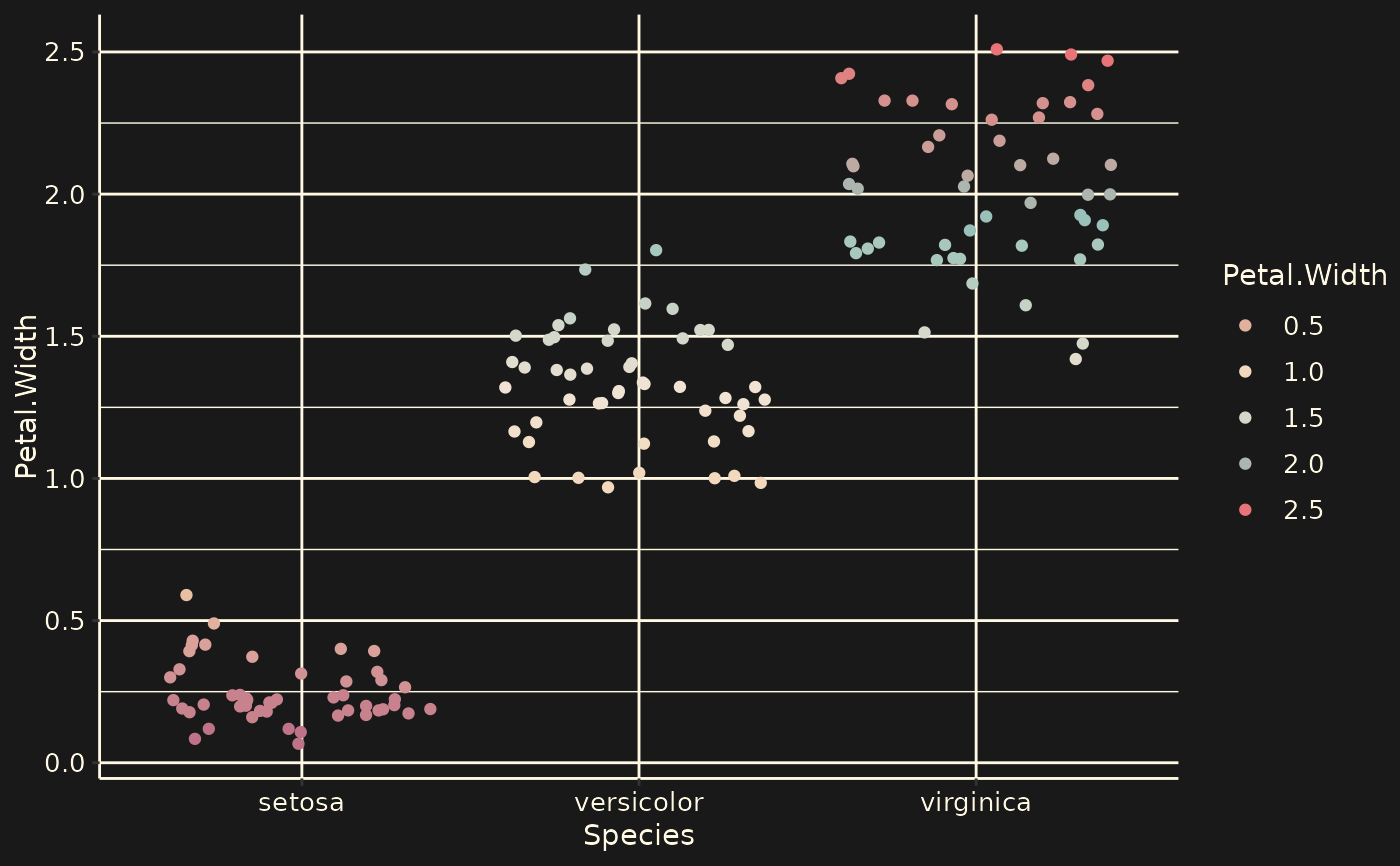
ggplot(iris, aes(Species, Petal.Width, color = Petal.Width)) +
geom_jitter() +
theme_wob() +
scale_rextor()
 data <- data.frame(Time = rep(c("Time 1", "Time 2", "Time 3", "Time 4",
"Time 5", "Time 6", "Time 7", "Time 8"),
each = 2),
cont = 1:16,
Value = c(8, 5, 10, 3, 8, 5, 10, 3, 8, 5, 10, 3, 8, 5, 10, 3))
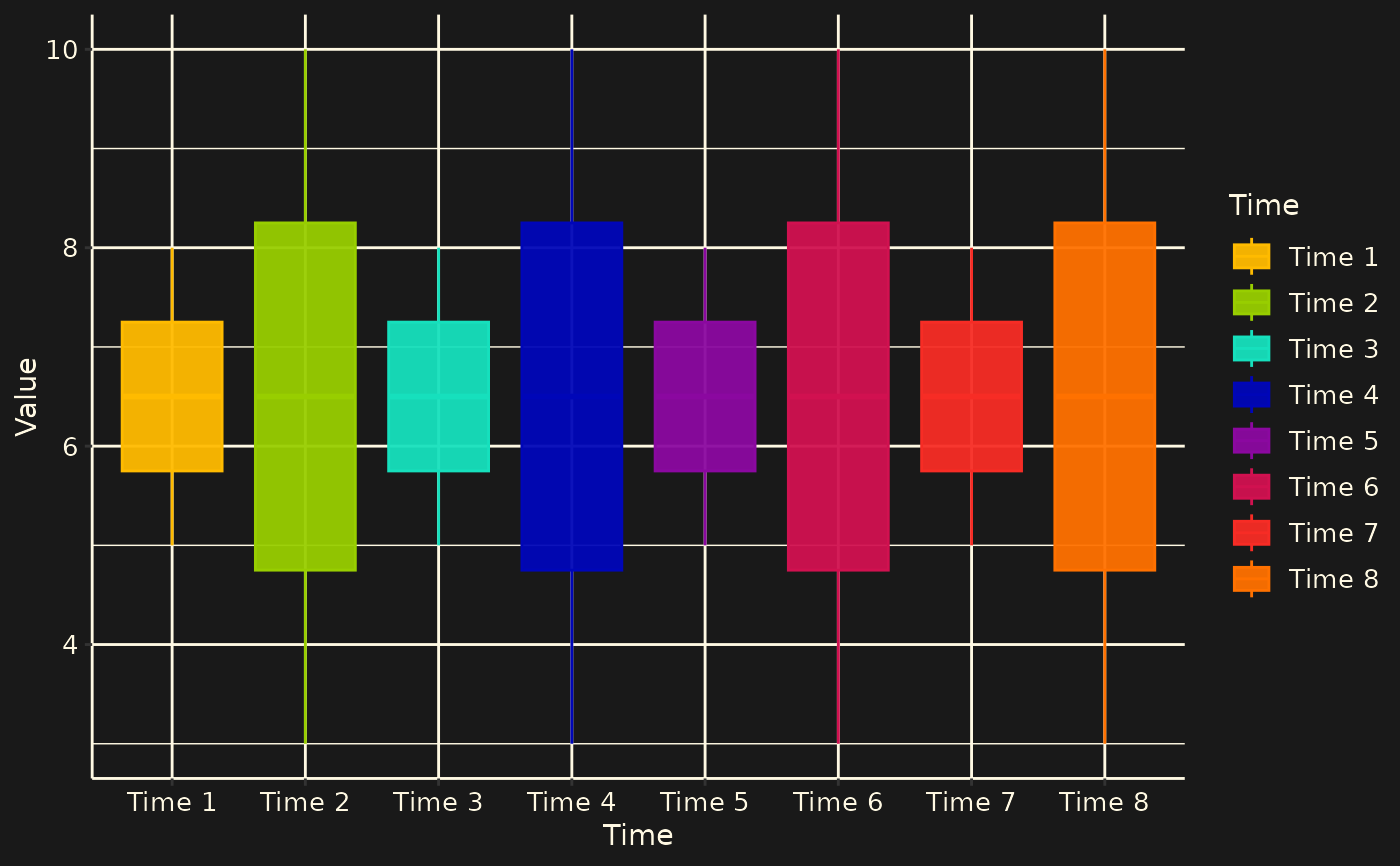
ggplot(data, aes(x = Time, y = Value, color = Time, fill = Time)) +
geom_boxplot(alpha = 0.95) +
theme_wob() +
scale_rextor(pal = "neon") +
scale_rextor(pal = "neon", aesthetic = "fill")
data <- data.frame(Time = rep(c("Time 1", "Time 2", "Time 3", "Time 4",
"Time 5", "Time 6", "Time 7", "Time 8"),
each = 2),
cont = 1:16,
Value = c(8, 5, 10, 3, 8, 5, 10, 3, 8, 5, 10, 3, 8, 5, 10, 3))
ggplot(data, aes(x = Time, y = Value, color = Time, fill = Time)) +
geom_boxplot(alpha = 0.95) +
theme_wob() +
scale_rextor(pal = "neon") +
scale_rextor(pal = "neon", aesthetic = "fill")
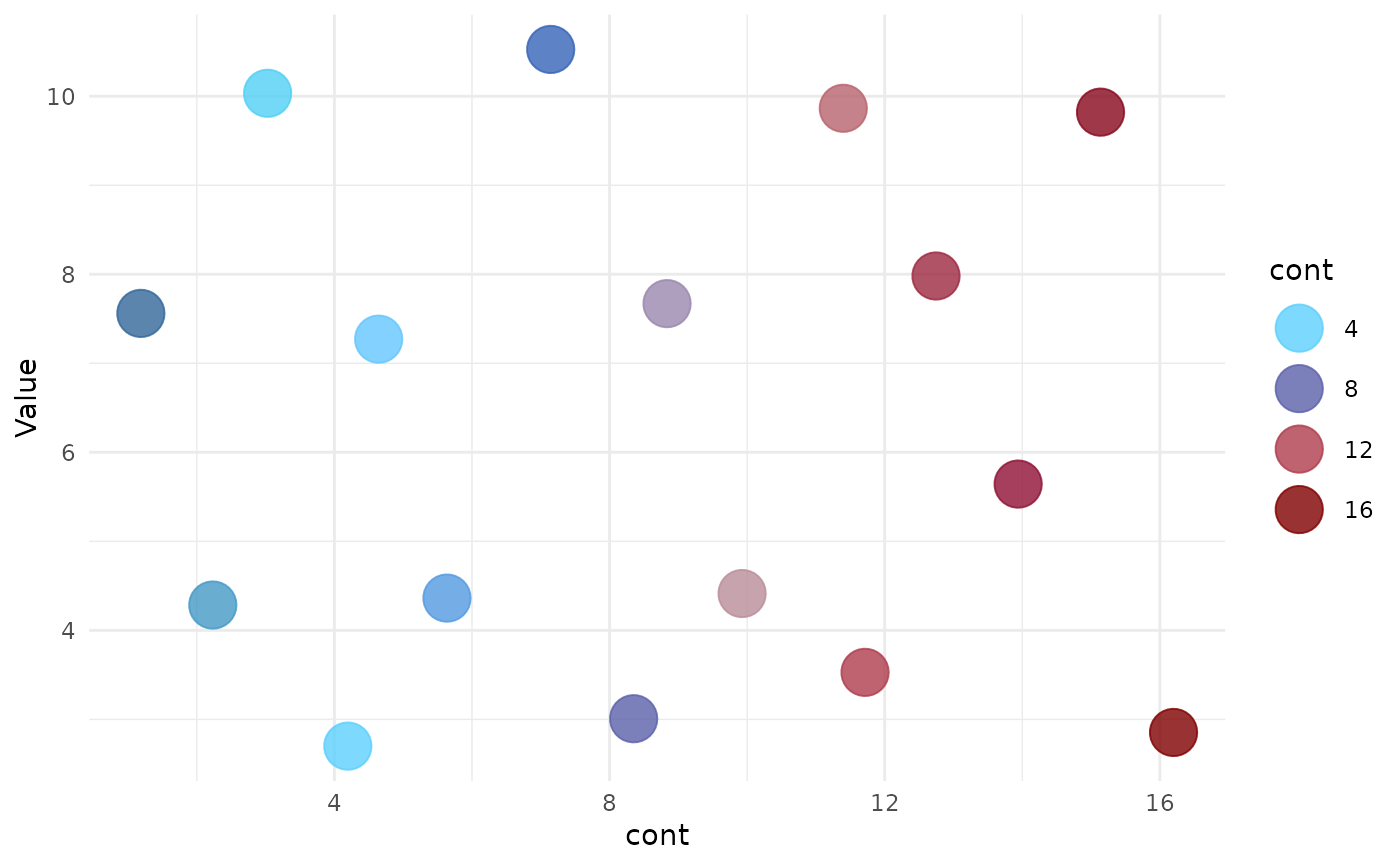
 ggplot(data, aes(x = cont, y = Value, color = cont, fill = cont)) +
geom_jitter(alpha = 0.8, size = 8) +
theme_minimal() +
scale_rextor(pal = "wextor") +
scale_rextor(pal = "wextor", aesthetic = "fill")
ggplot(data, aes(x = cont, y = Value, color = cont, fill = cont)) +
geom_jitter(alpha = 0.8, size = 8) +
theme_minimal() +
scale_rextor(pal = "wextor") +
scale_rextor(pal = "wextor", aesthetic = "fill")